All your 2FA codes in one place
Live one-time codes for every account refresh every 30 seconds. Tap a card to copy the code, and it clears from your clipboard on its own.
2FA Authenticator generates secure two-factor codes entirely on your iPhone, with brand logos for 600+ services and setup guides for 1,100+ sites. No account, no cloud, no tracking. Your secrets never leave the device.
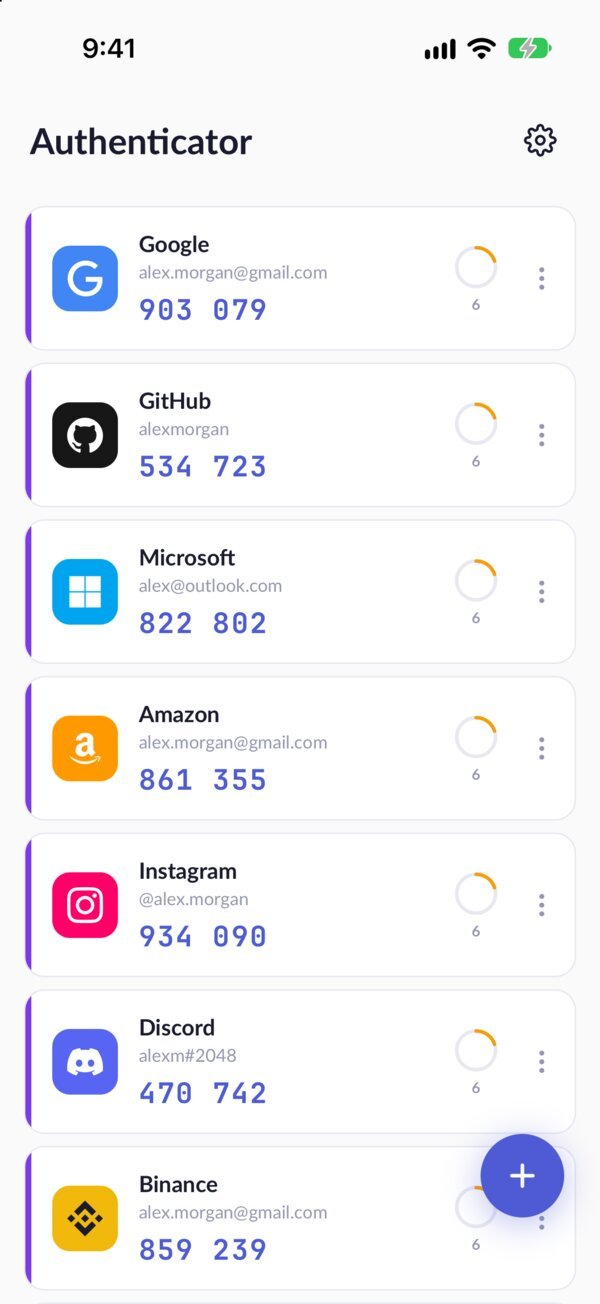
Live codes, brand logos, instant QR setup and setup guides, all in a clean, fast interface.
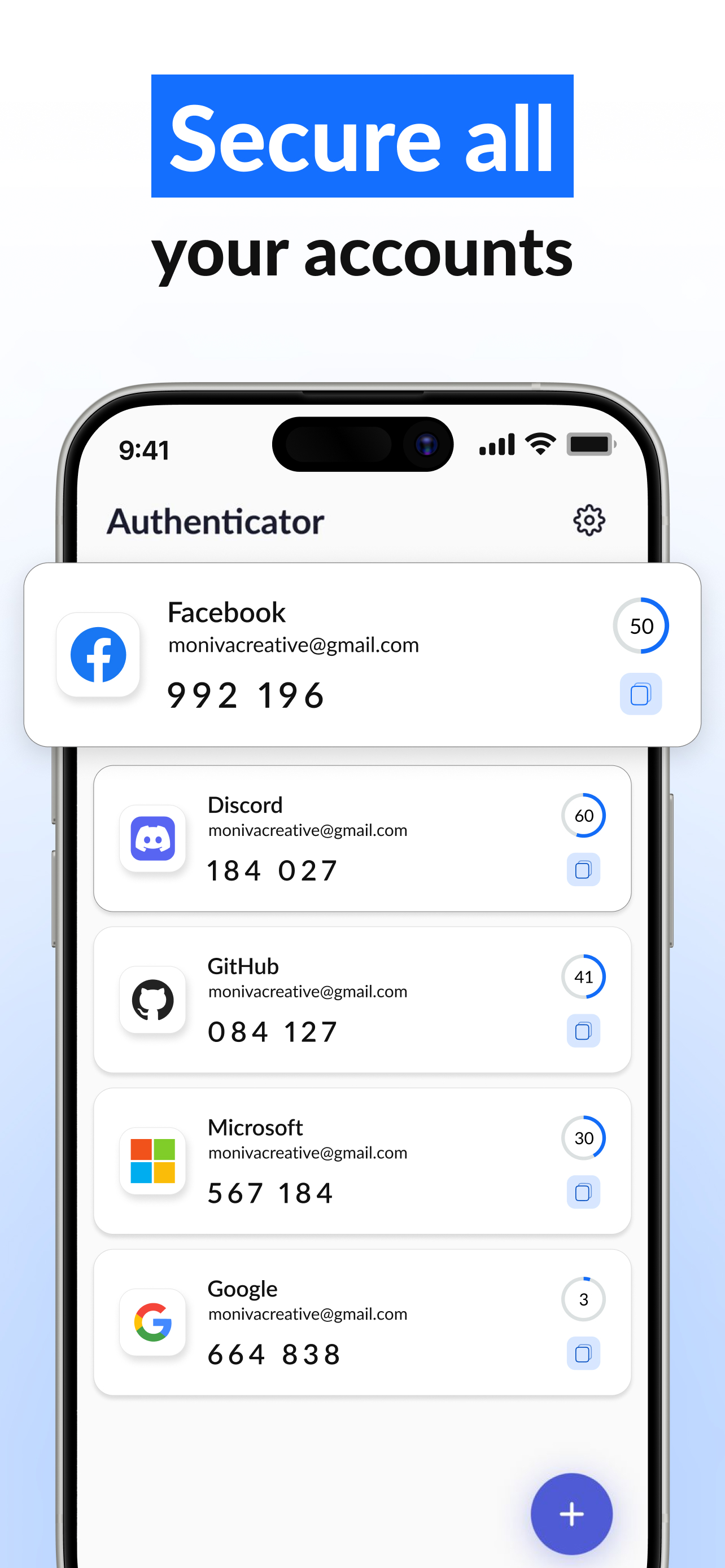
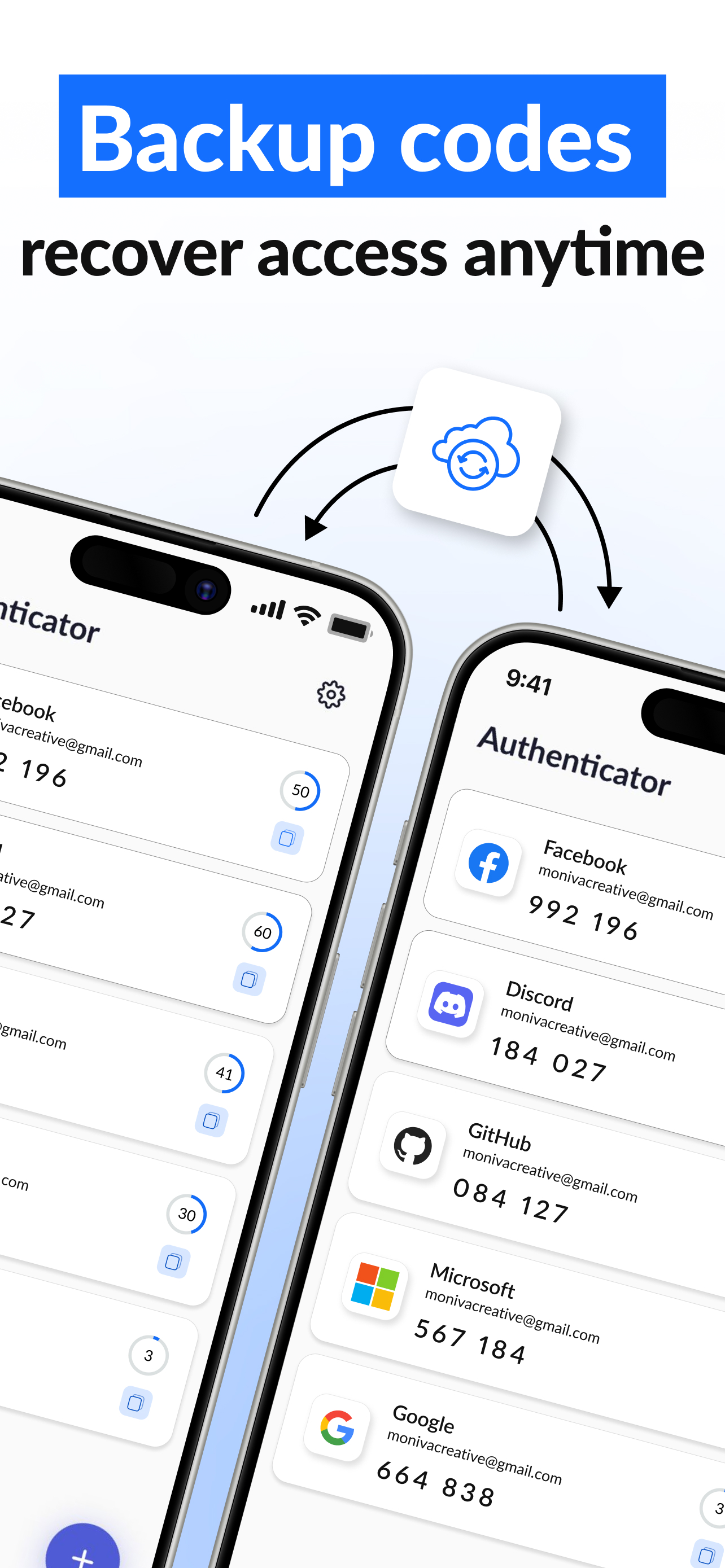
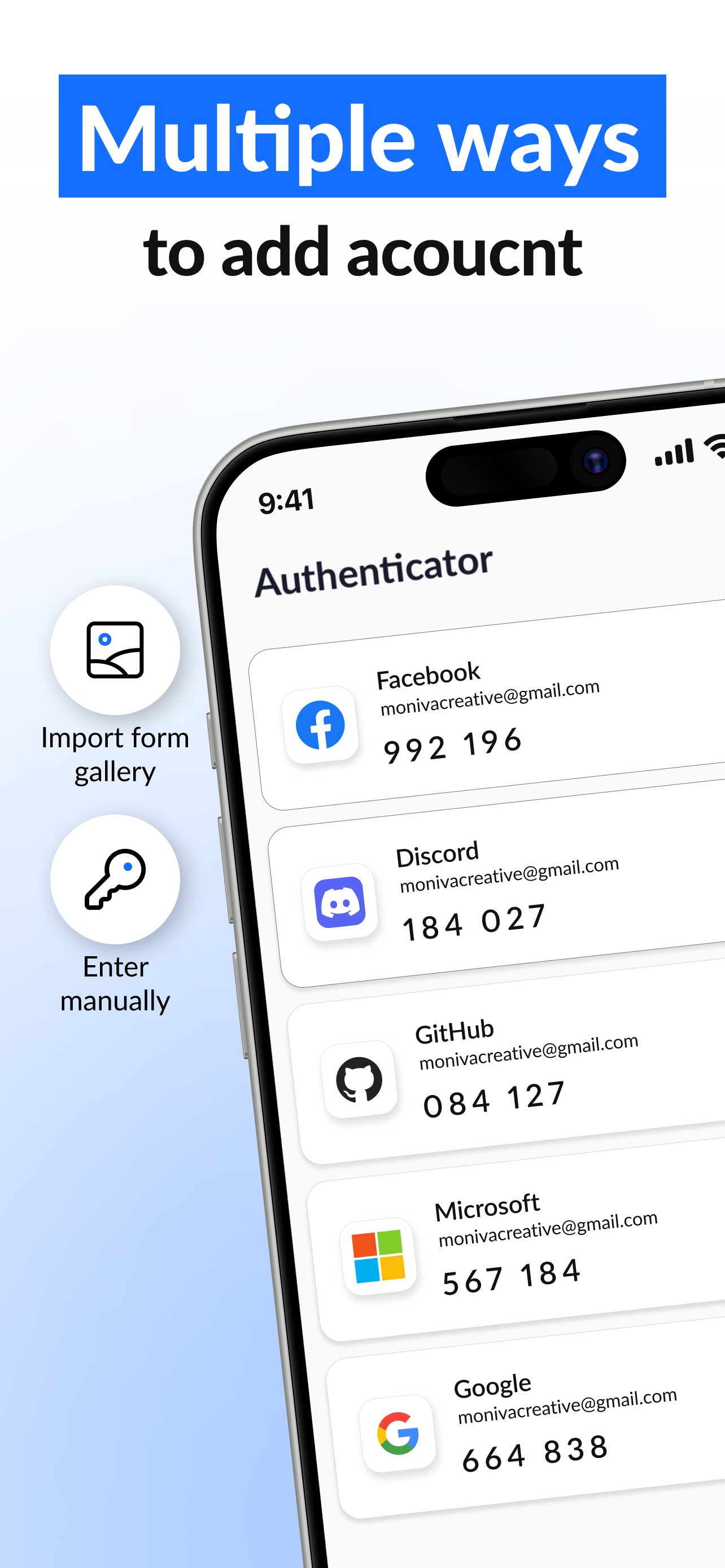
Live one-time codes for every account refresh every 30 seconds. Tap a card to copy the code, and it clears from your clipboard on its own.
Strong security that stays out of your way. No sign-up, no servers, no tracking.
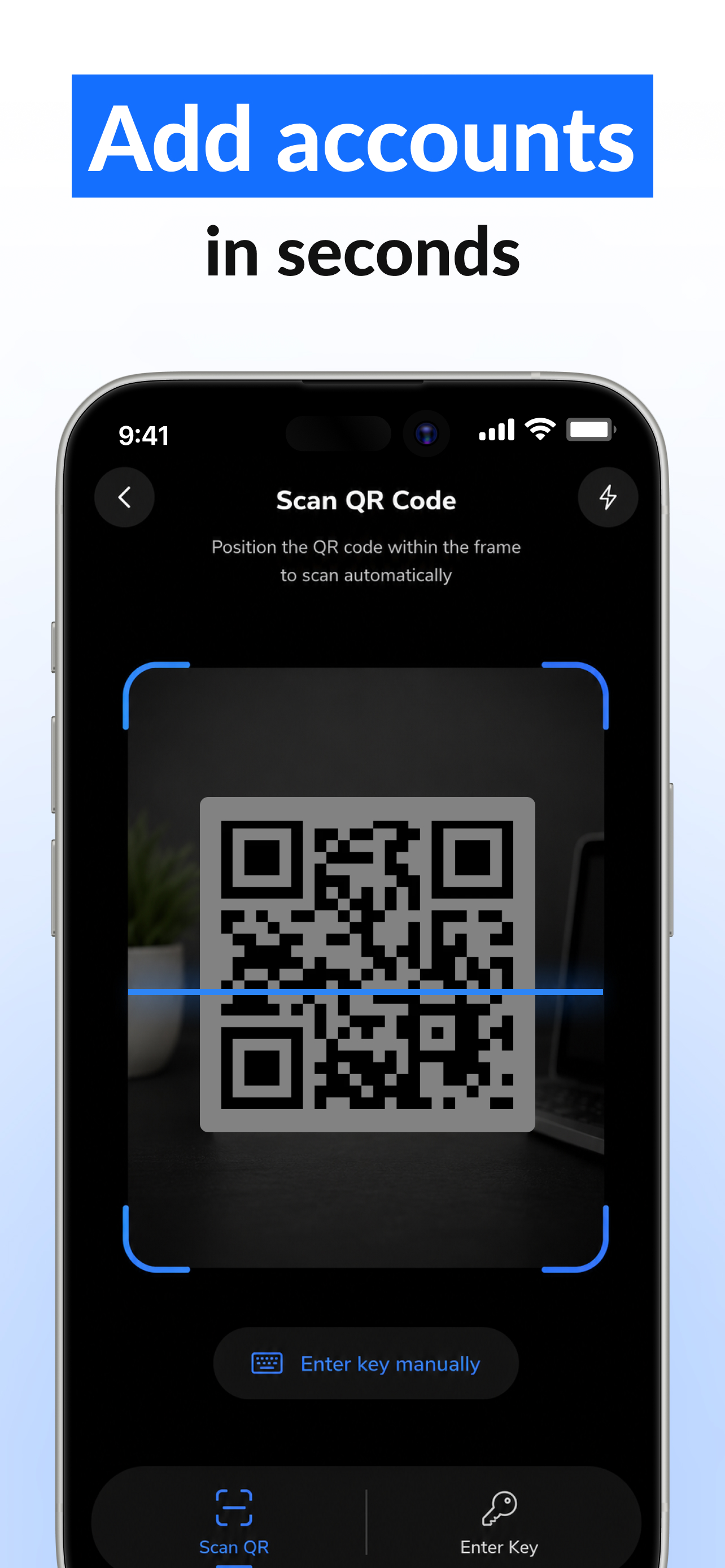
Point your camera at a setup QR code and the account is added in seconds.
Biometric gate on launch and on sensitive screens keeps prying eyes out.
Export an AES-256 encrypted, passphrase-protected backup file and restore it anytime.
Deleted an account by mistake? Soft-delete keeps it recoverable until you say otherwise.
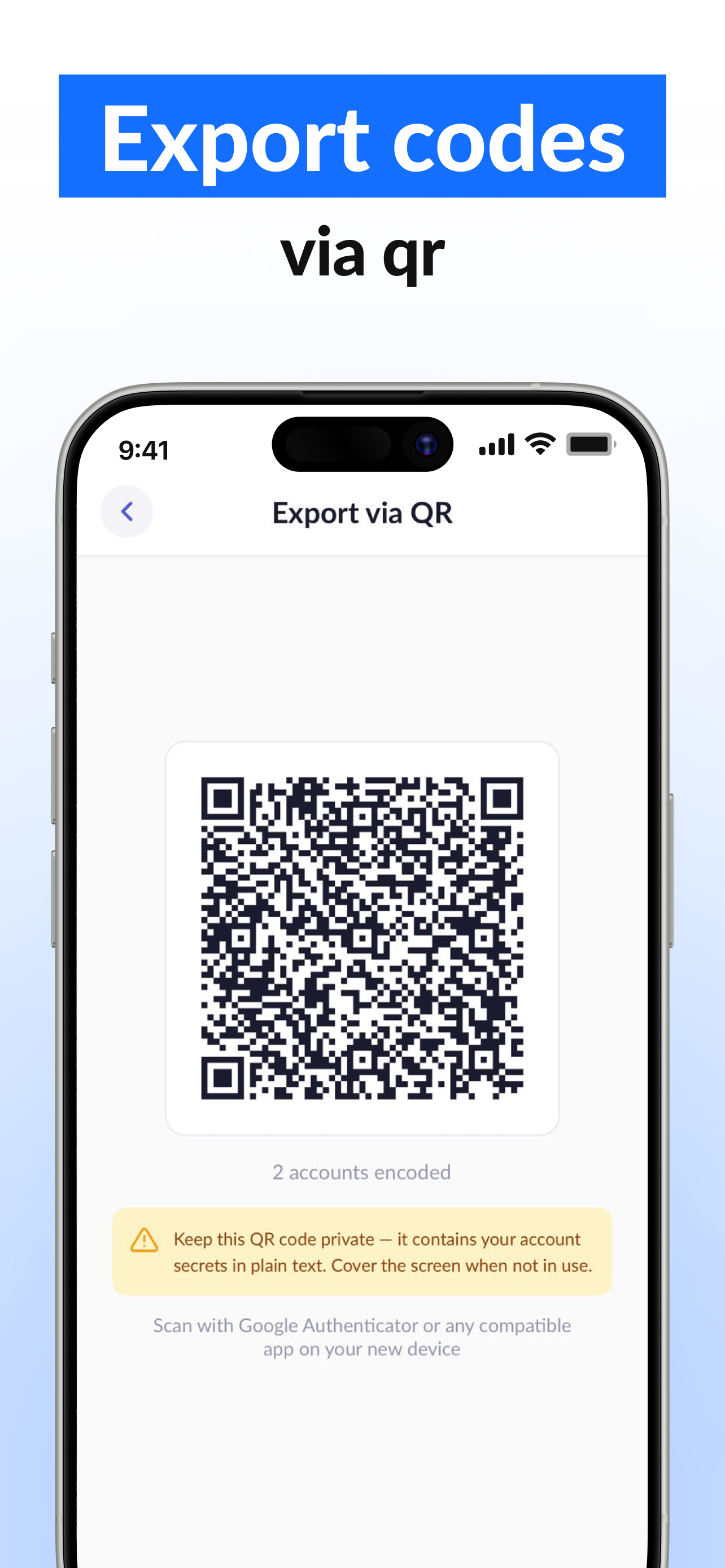
Move devices freely with Google Authenticator-compatible migration QR codes.
Copied codes wipe themselves after a timeout you choose, so nothing is left behind.
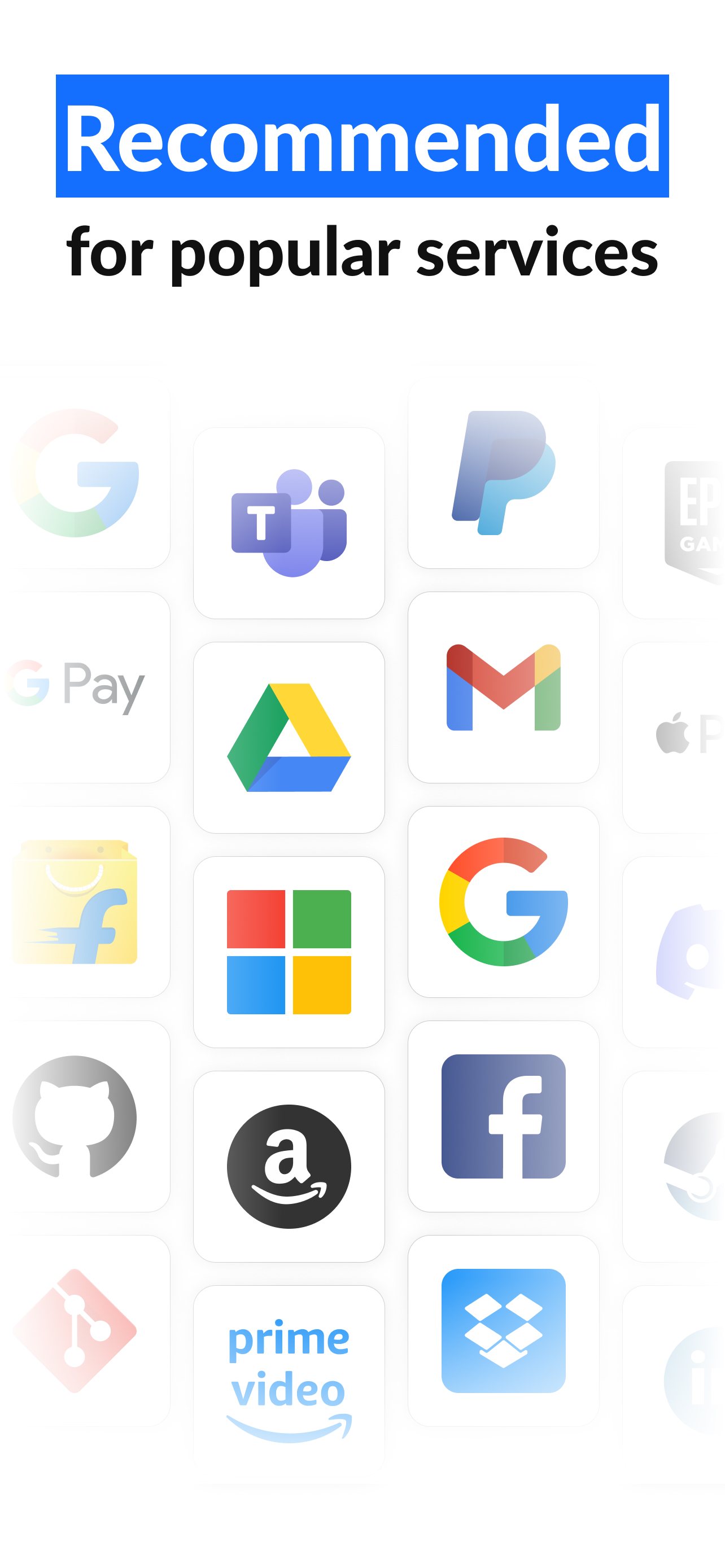
Logos for 600+ services like Google, Microsoft, GitHub and Discord appear automatically, so you spot the right code at a glance.
Not sure where to find the QR code? Guides for 1,100+ services open the official "turn on 2FA" page.
Time-based and counter-based codes, SHA1, SHA256 and SHA512, 6 or 8 digits.
Account secrets are stored only in the iOS Keychain on your device. They are never uploaded to a server, never included in analytics, and never shared. 2FA Authenticator has no account system and collects no personal data. Read the full Privacy Policy.
No. There is no account and no cloud. Codes are generated on your iPhone and the app works offline.
Only in the iOS Keychain on your device. They are never uploaded, never included in analytics and never shared.
Yes. In Google Authenticator choose Transfer accounts, then scan the QR code with 2FA Authenticator.
Create an encrypted backup in Settings and restore it on the new phone with your passphrase, or use Transfer via QR.
Yes. No ads, no subscriptions and no in-app purchases.
Yes. 2FA Authenticator keeps your codes only on your iPhone: no account, no cloud sync, no ads. It can import your Google Authenticator accounts with the Transfer accounts QR code.
Any service that offers authenticator app (TOTP or HOTP) codes, such as Google, Microsoft, GitHub, Amazon, Facebook, Discord and Dropbox. Built-in setup guides show how to turn on 2FA for more than 1,000 services.
You can lock the app with Face ID or Touch ID. Codes are hidden in the app switcher, you can hide any single code, and copied codes clear from the clipboard automatically.
Deleted accounts go to Recently Deleted first, so you can restore one before it is removed for good.
Yes. It supports TOTP and HOTP codes with SHA1, SHA256 or SHA512, 6 or 8 digits and custom refresh periods.
Download 2FA Authenticator free and protect every login with strong, on-device two-factor codes.